Contracts and documents, checked on upload
Employment contracts from Word templates with the person's data, documents requested and ticked off, proofs found per person. No chasing by phone before the event.
Your own test environment in minutes. No credit card, ends automatically.

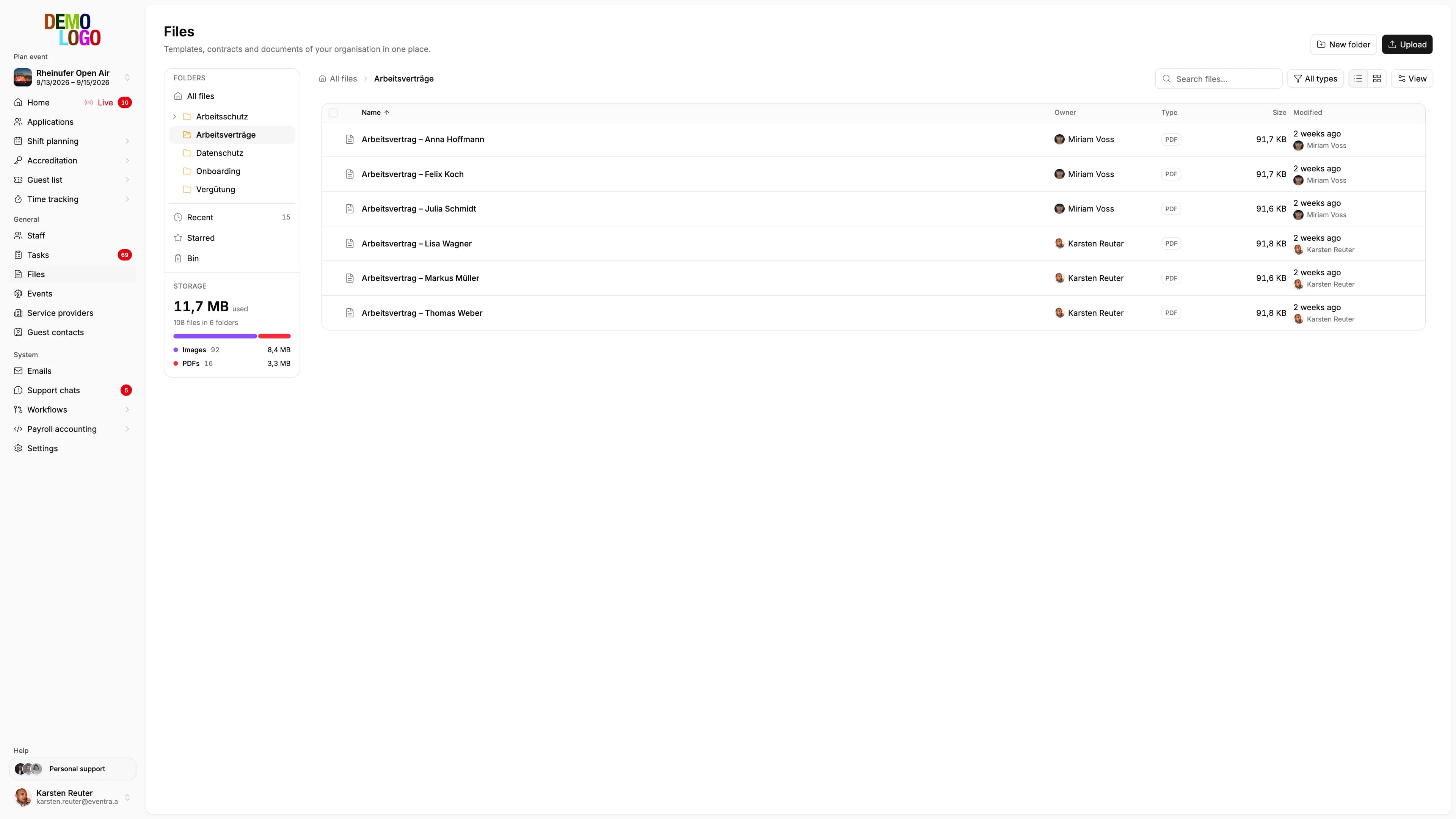
The crew uploads, the AI reads along, HR confirms
Requested documents appear as a task in the crew app: read and confirm the contract, photograph and upload the proof, complete master data. On upload the model reads the proof and proposes the document type, the expiry date and the match with the name on the profile. HR sees the proposal on the document and confirms it or requests it again.
- Tasks per person in the app
- Document type and validity proposed, not set
- Reminder by push, no phone call
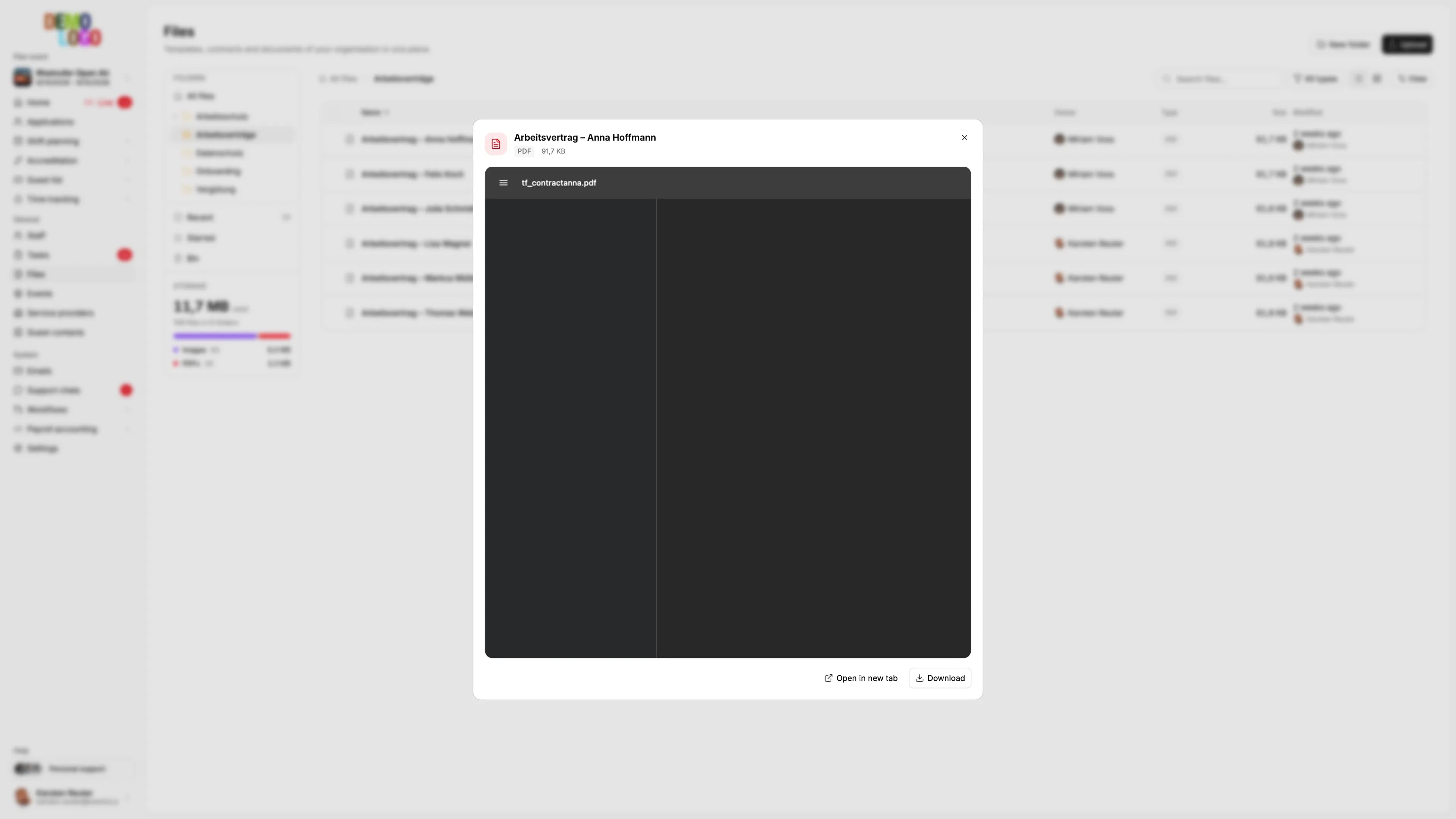

From the template to the filed proof
The flow EVENTRA maps per person.
Upload template
Your Word template with placeholders for name, address, tax ID, event and pay.
Generate contract
For one person or for everyone confirmed for an event, with the data from the profile.
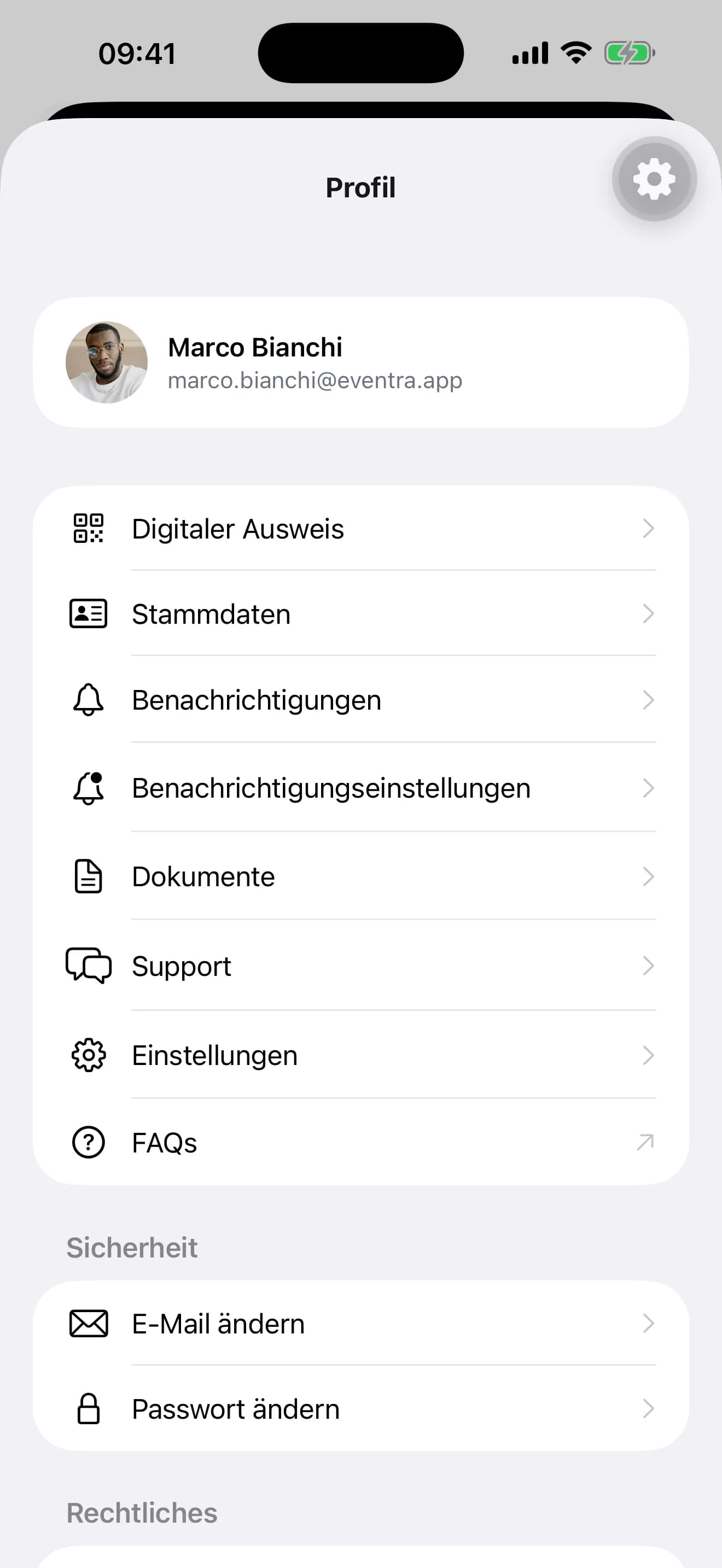
Get confirmation
The person reads and confirms in the app, HR sees the time.
File and find
Contracts and proofs sit on the profile, with document type and validity from the confirmed proposal, filterable by event and document type.
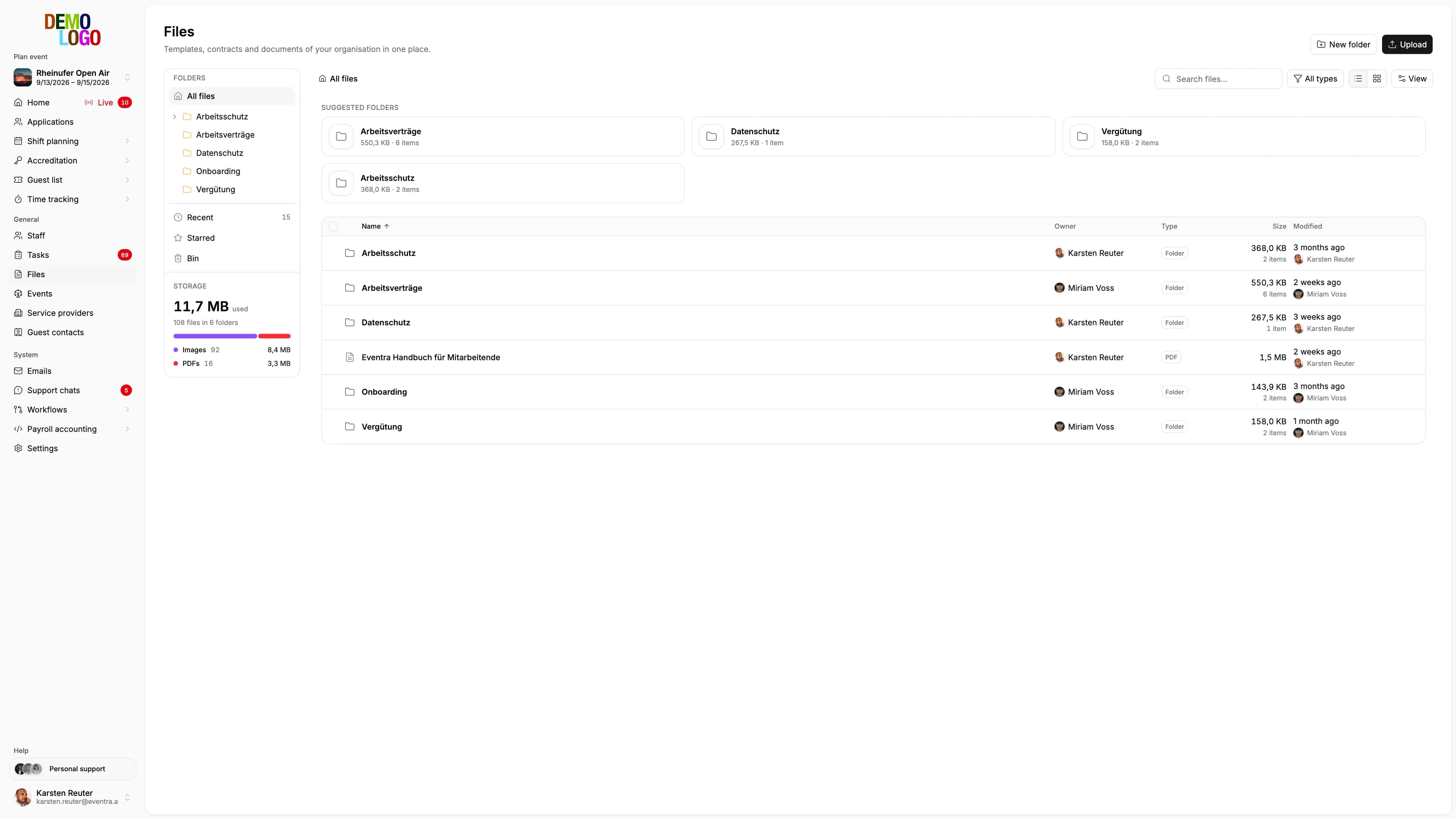
What sits on the profile
The facts per person.
- Templates
- Word
- Generation
- Batch
- Confirmation
- App
- Filing
- Profile
Common questions about contracts and documents
Answered briefly, so you know what you will see in the demo.
Which placeholders can I use in the Word template?
Can I generate contracts for everyone confirmed at once?
Is the confirmation in the app a signature?
Which documents can I request?
Read next
Practitioner answers to the questions that come up next.
Short-term employment 2026: the 70-day rule for event staff
When festival casual staff stay exempt from social insurance, how the 70 days and 3 months are counted, what 'occupational' (berufsmäßig) means, and where…
ReadMinijob threshold 2026: €603, and what it means for event staff
The marginal-employment threshold (Geringfügigkeitsgrenze) rises to €603 a month in 2026 along with the minimum wage.
ReadSofortmeldung for event staff: who needs it, when it's due, what it costs
The Sofortmeldung (immediate registration) under § 28a Abs. 4 SGB IV applies to hospitality, showman trade, trade-fair construction, security, and other…
Read
See document management in EVENTRA
30 minutes with the founder. Bring your contract template.
Your own test environment in minutes. No credit card, ends automatically.
See pricing