Festival staff planning in Excel: template, structure, and where it breaks
How to build a festival shift plan in Excel, which columns you actually need, which formulas check rest periods (Ruhezeit) and the 70-day limit, and above what crew size the spreadsheet becomes a risk.
In het kort
- A usable festival shift plan in Excel has three tables: crew with master data and employment type, shifts with area, day, start and end, and assignments. One sheet per area works up to roughly 100 people.
- Rest periods (Ruhezeit) and the 70 days can be checked with formulas, but only if all of a person's shifts live in one table. As soon as areas get their own sheets, nobody sees the night shift sitting right before the early shift anymore.
- Excel doesn't break at the formula, it breaks at the process: data gets retyped, times get estimated, the file exists in four versions. From about 300 crew and more than one event a year, that's the more expensive path.
- § 5 ArbZG (Ruhezeit)
- § 8 SGB IV (70 Tage, Minijob)
- § 17 MiLoG (Aufzeichnung)

A festival shift plan in Excel works when it's built like a database and not like a poster: separate tables for crew, shifts, and assignments, one row per record, no merged cells. That way, rest periods (Ruhezeiten), double-bookings, and the 70-day limit can be checked with formulas. Most plans we see at festivals are built differently: one sheet per area, names in cells, colors as status. They look good and check nothing.
The three tables
1. Crew
| Column | Content |
|---|---|
| ID | unique, never the email address |
| Last name, first name | |
| Email, phone | |
| Employment type | short-term (kurzfristig), Minijob, subject to social insurance, volunteer |
| Prior employment days | working days with other employers in the calendar year, from the self-declaration |
| Qualifications | alcohol-service license, security certificate, first aid, driver's license |
| Hourly wage | |
| Availability | days the person can work |
Tax ID, bank details, and ID documents don't belong in this table, because they end up in a file that gets emailed to team leads.
2. Shifts
| Column | Content |
|---|---|
| Shift ID | |
| Area | stage, bar 3, entrance north |
| Day | date |
| Start, end | as date plus time, so night shifts crossing midnight calculate correctly |
| Headcount needed | number of people |
| Qualification | mandatory qualification for the shift |
| Team lead |
3. Assignments
| Column | Content |
|---|---|
| Shift ID | |
| Crew ID | |
| Status | requested, confirmed, cancelled, showed up |
| Check-in, check-out | actual times |
The templates as CSV: crew.csv, schichten.csv, zuordnungen.csv.
The checks you need
Double-booking. For every crew ID, no two assigned shifts may overlap. In Excel: enrich the assignments table with start and end from the shifts table, sort by crew ID and start, and use a helper column to check whether a row's start comes before the previous row's end for the same person.
Rest period (Ruhezeit). Same sort, helper column: a row's start minus the previous row's end for the same person, in hours. Under 11, flag red. This check is exactly why all areas need to sit in one assignments table: the night shift at the bar and the early shift at the entrance have to be able to see each other.
70 days. Per crew ID with employment type short-term (kurzfristig): prior-employment days plus the number of distinct days with status confirmed or showed up in the calendar year. Over 70, red; over 60, yellow, because the next engagement is still coming.
Minijob threshold. Per crew ID with employment type Minijob and month: sum of hours times hourly wage. In 2026, over €603, red.
Headcount. Per shift: needed minus confirmed. Positive means still open.

Where the spreadsheet breaks
- Self-declaration and master data. Crew send data by email, someone retypes it. At 300 people, that's two days and thirty errors.
- Four versions. The bar team lead has Tuesday's version, dispatch has Thursday's, the payroll office has last Monday's.
- Times. Check-in and check-out get estimated or rounded. That makes payroll challengeable and the time-tracking obligation (Zeiterfassungspflicht) unmet.
- The second event. The 70 days and the Minijob threshold run over the calendar year. Two files for two events don't add up together.
- The person who knows the formulas. She's on vacation in July.
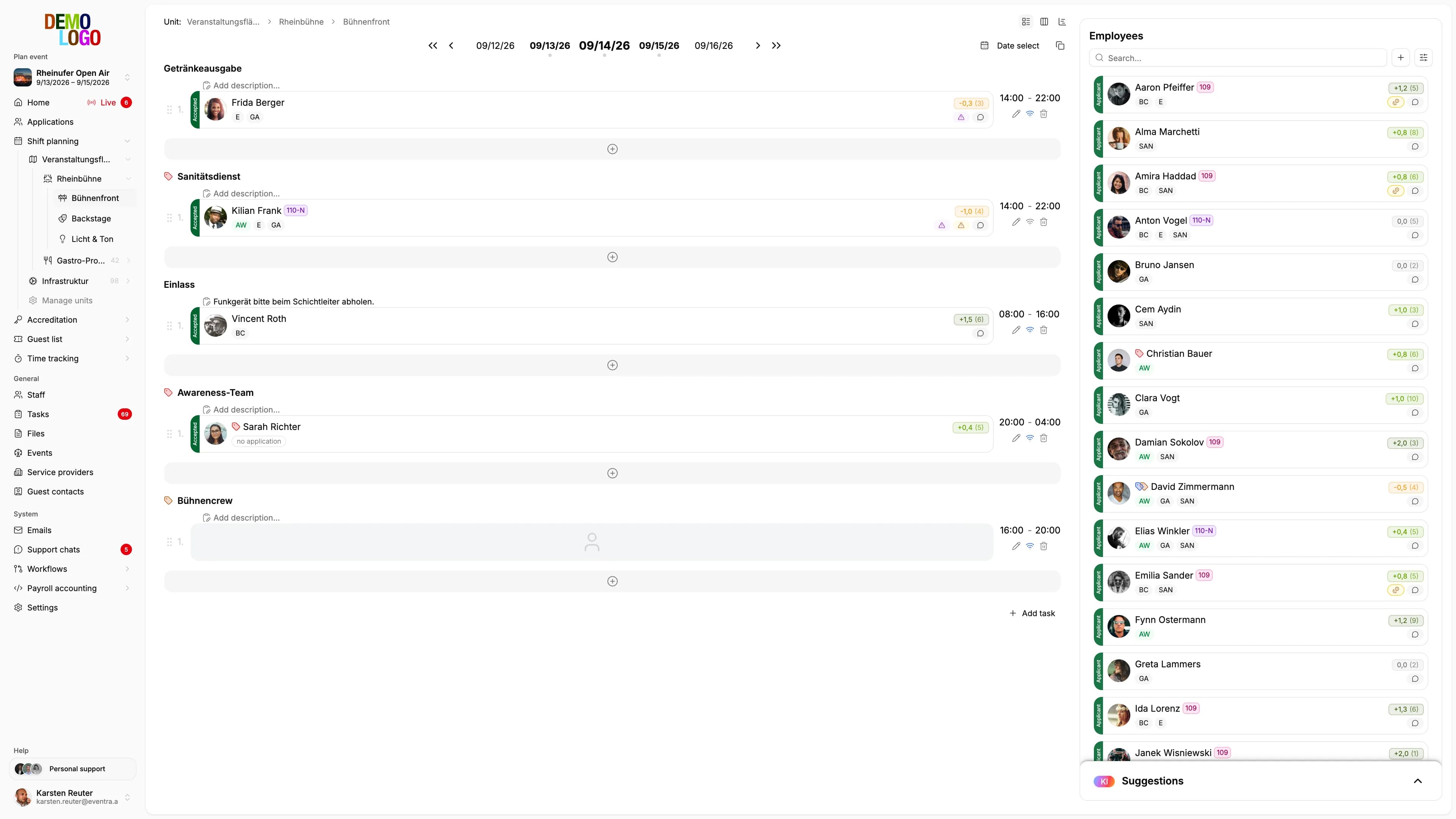
When Excel is enough
Up to roughly 100 crew on a single day, without short-term employees, with one person maintaining the file alone. Beyond that, the spreadsheet is no longer a plan but a risk that the payroll office ends up paying for in October.