DATEV interface: LODAS and Lohn und Gehalt, as a file or via the DATEV data service
Since 7 September EVENTRA hands master data and movement data to DATEV LODAS and DATEV Lohn und Gehalt, either as a file or directly via the DATEV data service, with an export history. Also: StoTax uses the payroll type of the exported month, and the 70-day overview counts working days from the recorded hours.
En resumen
- Both DATEV programs, both routes: LODAS and Lohn und Gehalt receive master data and movement data from the monthly close, as an import file or via the DATEV data service once the firm unlocks access.
- The export history shows per month what was handed over when and to whom. An export can be traced, not just repeated.
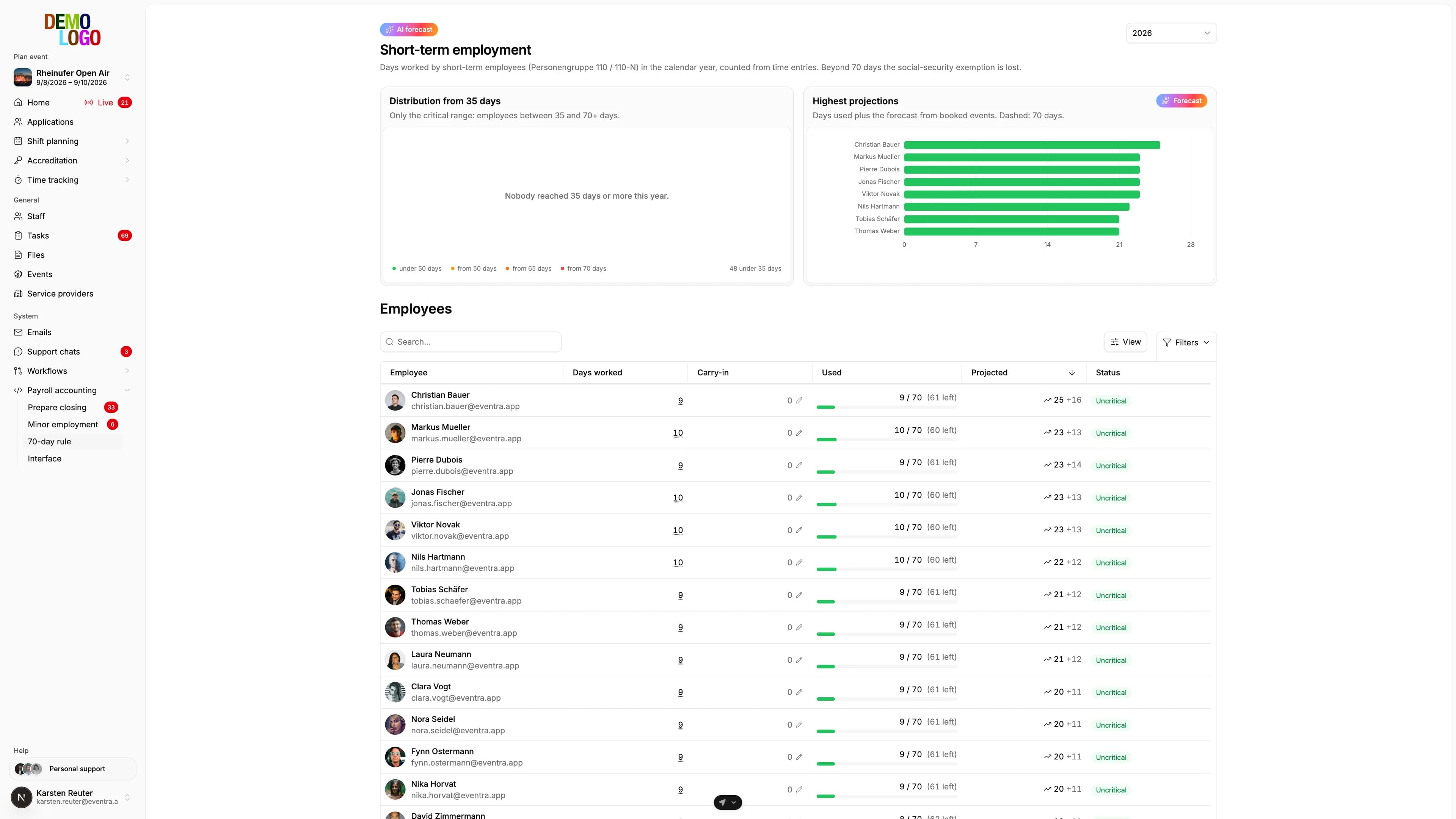
- The 70-day overview counts the working days of short-term employees from the recorded hours, including prior employment and a projection from booked shifts.
The monthly close has been the end of time tracking in EVENTRA for a while: confirmed time pairs, supplements from rules, one file for the payroll office. What was missing was the second route to DATEV and the certainty that an export arrives exactly as the payroll program expects it. Since 7 September there is both.
Two programs, both formats
DATEV runs two payroll programs with two import formats. LODAS reads text files with fixed record types, Lohn und Gehalt reads its own import files with personnel number, wage type, date and value. EVENTRA now produces both from the same close:
| DATEV LODAS | DATEV Lohn und Gehalt | |
|---|---|---|
| Master data | Personnel master, tax, social insurance, bank, start and exit | Master-data import by field catalogue |
| Movement data | Hours per wage type and payroll month | Hours per wage type, date, personnel number |
| Character set | Windows-1252, as LODAS expects | As specified by DATEV |
Which program the firm uses is a setting per organiser. The wage-type numbers and employee groups 109 and 110 come from the same place. The export invents nothing; it takes over.
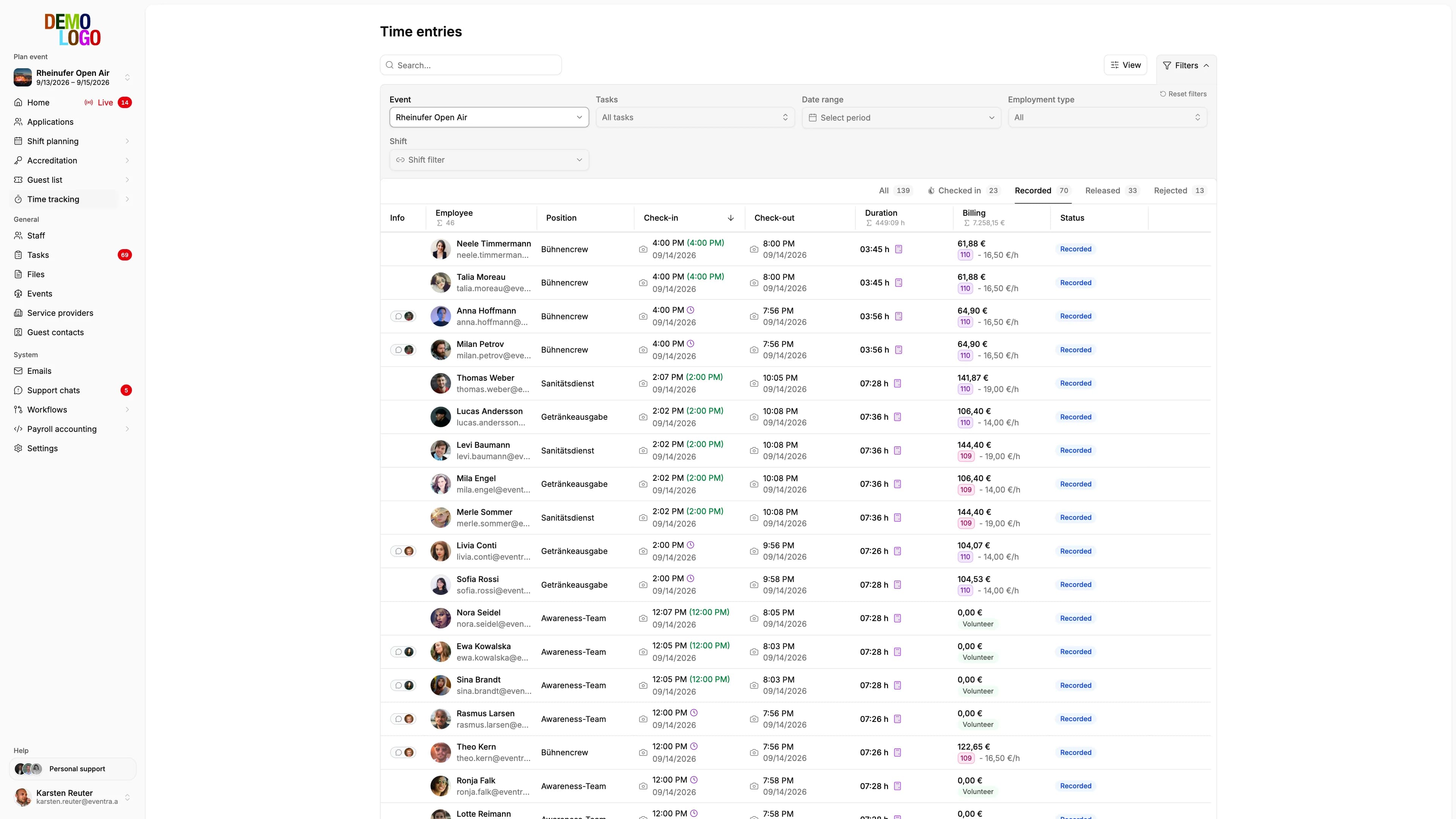
What a time-tracking tool has to deliver for LODAS and Lohn und Gehalt overall, from the record description to the processing times in the data center, is covered in the guide time tracking with DATEV LODAS and Lohn und Gehalt. This article is about the interface itself.
What is the DATEV data service for payroll data?
DATEV calls the online routes through which partner software exchanges data with the payroll program data services (Datenservices). For the direction that matters here, master and movement data from time tracking into the payroll program, that is the DATEV Lohnimportdatenservice. The flow as DATEV describes it:
- The partner software hands the data to the DATEV data center over a secure connection.
- The payroll office takes it over in the payroll program with one click, without a file and without an upload.
- Sender and payroll office receive status information on whether the takeover worked.
Access is enabled in the DATEV Arbeitsplatz. The prerequisite is an interface between the payroll program and the software the data comes from. If you come across abbreviations in searches or in conversation with the firm: they almost always mean this route, and the firm knows the exact product name.
File or data service
The classic route stays: download the file, send it to the firm, import it there. New is the DATEV data service: once the firm unlocks access for the client, EVENTRA hands master and movement data straight to DATEV, without a file and without an upload at the firm. The file remains available at any time as a fallback and as evidence.
| Import file | DATEV data service | |
|---|---|---|
| What the firm does | Receive the file and import it | Enable access once, then take over the data |
| What EVENTRA needs | Advisor and client numbers, program, wage types | plus the client's DATEV client ID and a sign-in to DATEV |
| Evidence | The file itself | Job IDs for the DATEV log |
| Makes sense when | Exports are occasional or the firm doesn't enable access | Exports are monthly |
Technically, the direct handover runs through the DATEV API. If the DATEV sign-in expires, EVENTRA says so and asks for a new connection instead of failing silently. Step-by-step setup is in the documentation under DATEV interface.
Both routes write to the export history: which month, which program, which route, what time, how many people. Whoever wants to know in December whether August went by file or by data service sees it in the list instead of searching the inbox.
On top of that there is reconciliation in the other direction: upload the employee master-data export from DATEV, and EVENTRA shows per person where the values in DATEV and in EVENTRA diverge, and who hasn't been created in DATEV at all yet. The personnel number links both sides.
StoTax: the month's payroll type
For organisers whose payroll office works with StoTax, 2 September brought a correction that shows in daily work: the export uses the payroll type that applied in the exported month, not the current one. If you switch a person from short-term to Minijob in September and then export August, August shows the short-term employment as it was at the time.
The 70-day overview
For short-term employees the overview under payroll has counted the working days in the calendar year from the recorded hours since 27 August, not from the plan: a day counts if work was done on it. Prior employment with other employers is stored per person, and the projection adds the shifts already booked. Whoever stands at 62 days with ten shifts still in the plan sees it before the payroll office calls.
How the 70 days are counted, when 3 months apply and what happens with two jobs at once is covered in the article on the 70-day rule.
Year-end 2026/27
DATEV delivers the year-end versions of LODAS and Lohn und Gehalt for 2026/27 with the update at the end of December 2026, not with a separate main release. Nothing changes at the interface as a result: formats, wage types and the route by file or data service stay the same. New values such as the Minijob limit of €633 and the minimum wage of €14.60 from 1 January 2027 affect the person group and the limit check before the export, not the file format.
The three changes belong together: the close delivers the numbers, the export brings them into the firm's program, and the overview makes sure nothing in there breaks the limit. How the steps before that are automated is covered in automating payroll for event staff; all export formats are under export, and the context is in the handbook entry on DATEV integration in event management.