The AI plans with you and checks behind you
EVENTRA fills a whole area with one click, every shift with a reason and a confidence level, spots the same person behind three spellings and reads the patterns in the month-end close that get lost between a thousand rows.
Your own test environment in minutes. No credit card, ends automatically.

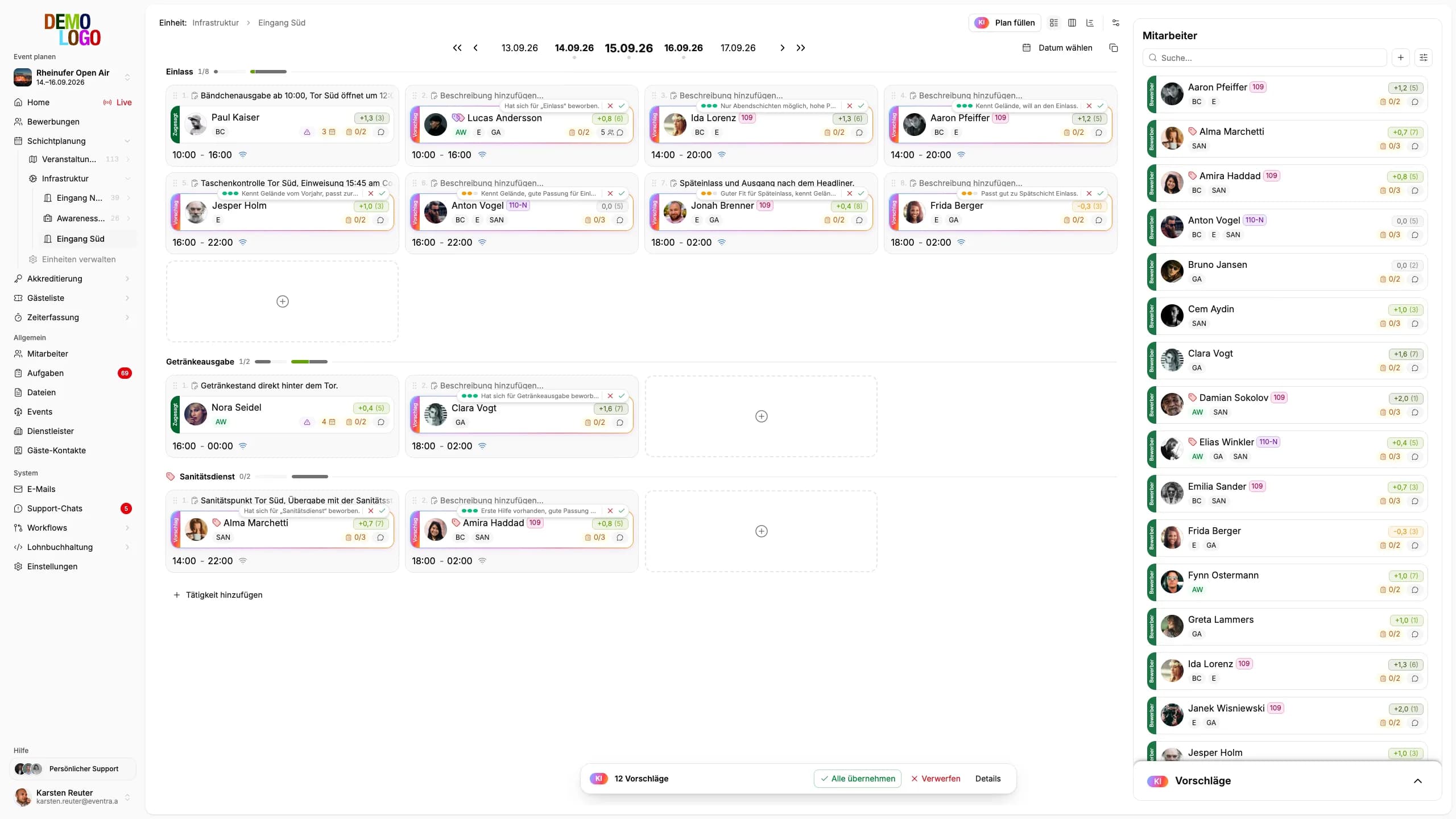
Suggest, merge, check
No chat box bolted on top. The model takes on three jobs where the work would otherwise be done by hand — and they come back at seven steps in the course of an event.
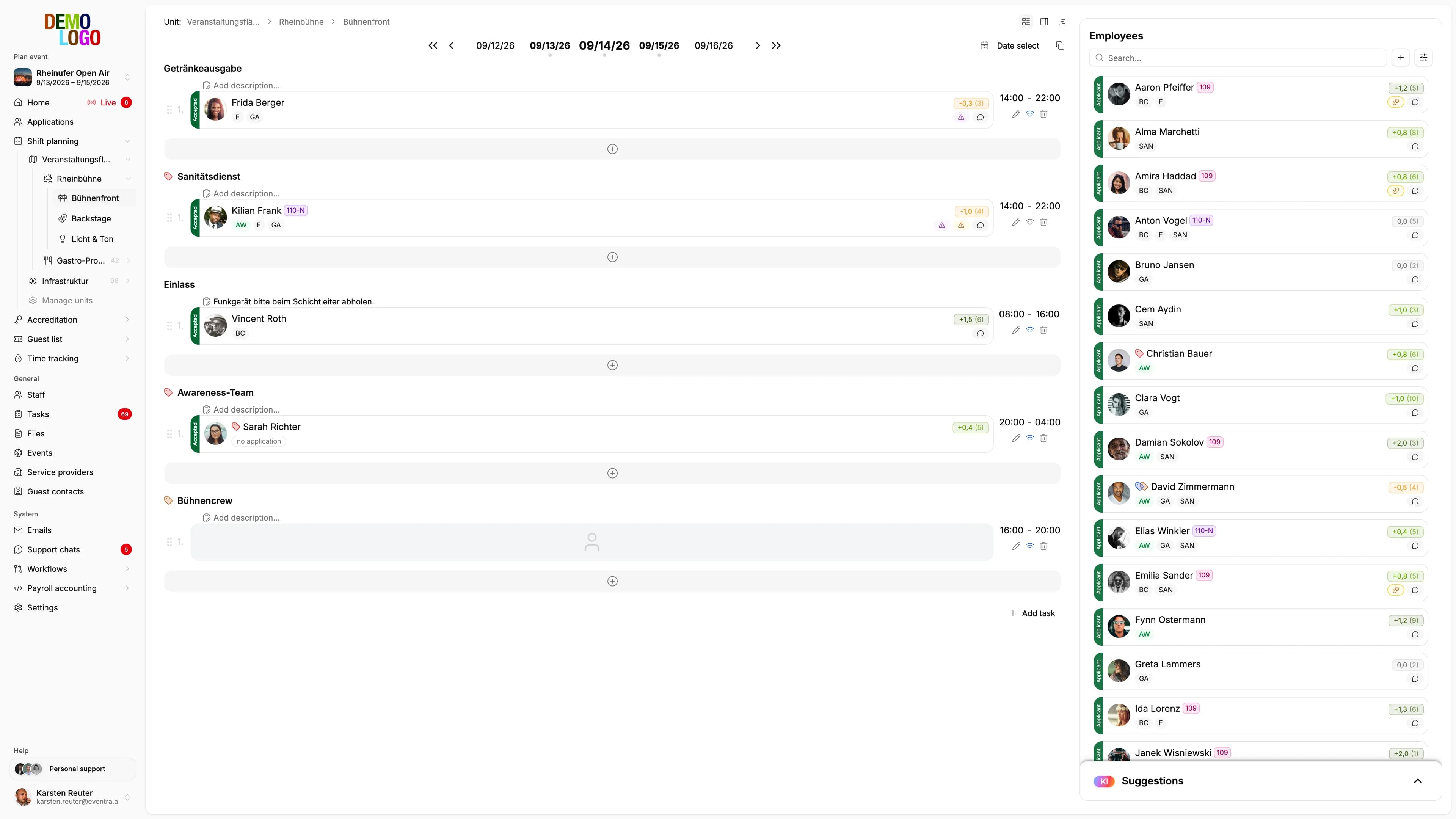
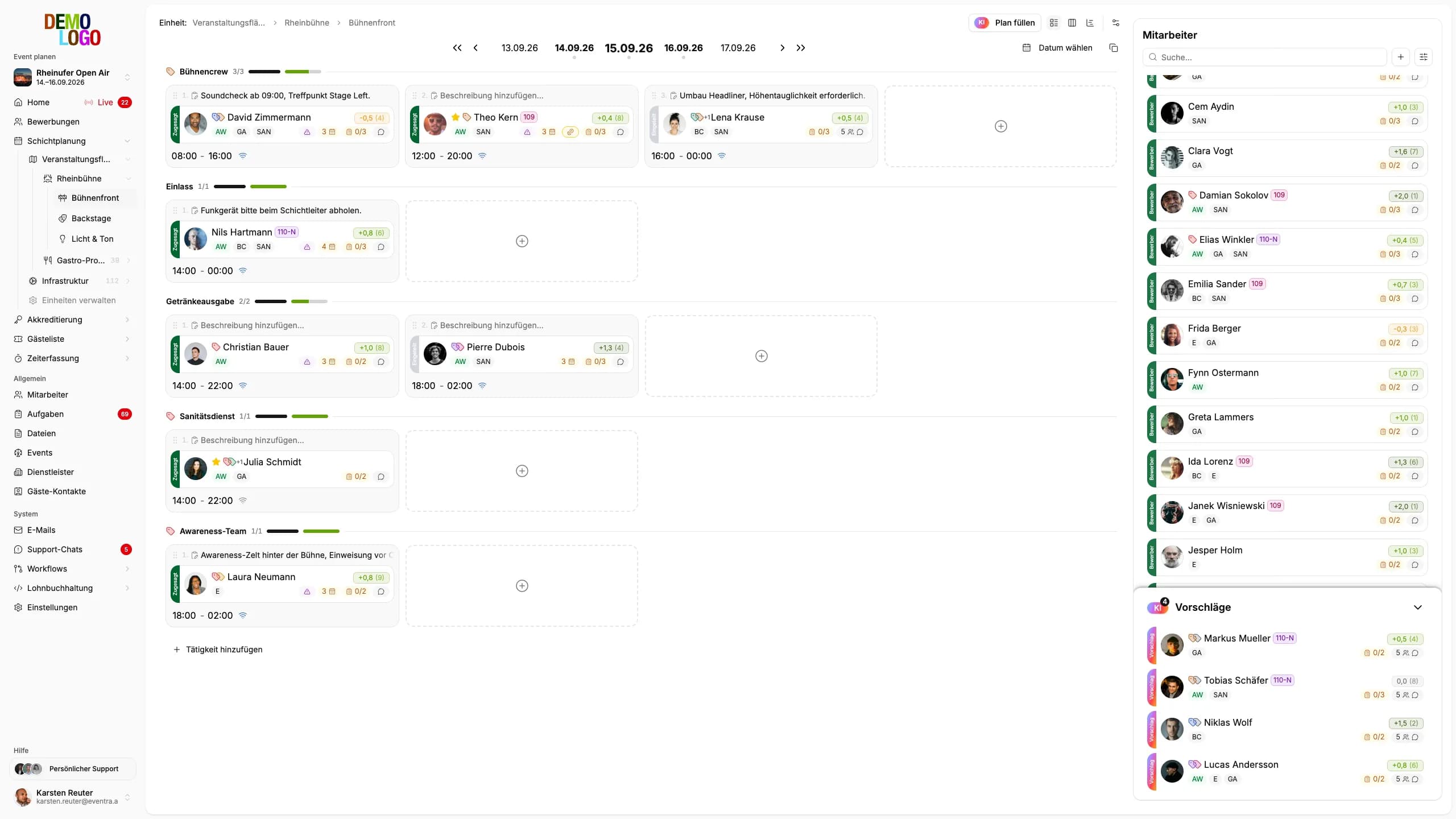
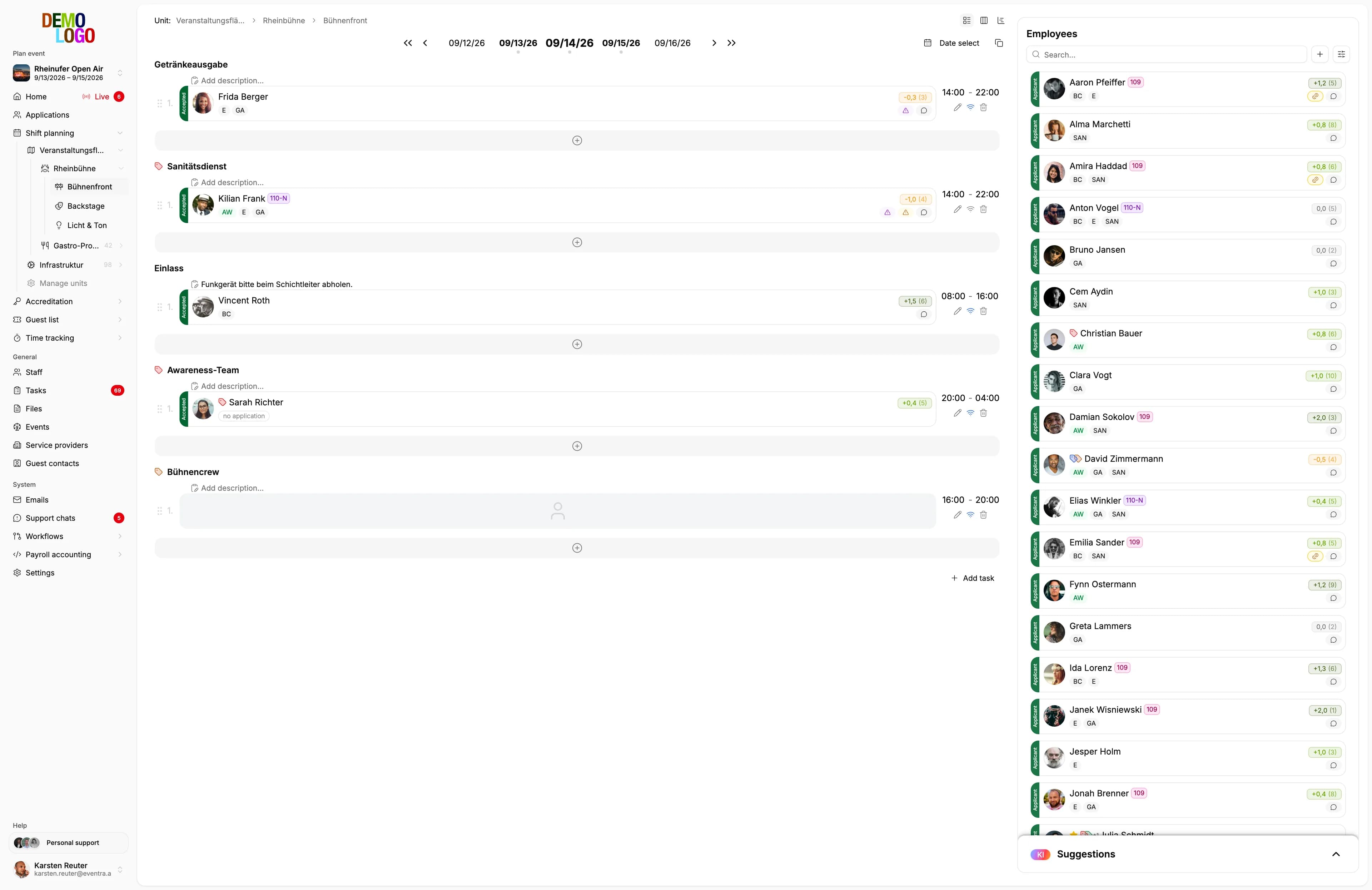
Suggestions for the shift plan
Candidates reach the model already filtered, scored and sorted — all that is left is the choice. The result lands as a suggestion in the plan, with a reason and a confidence level.
- Qualifications, availability and legal limits are checked beforehand
- Every suggestion states its reason
- High, medium, low — the confidence comes with it
- Nothing is booked until you approve it
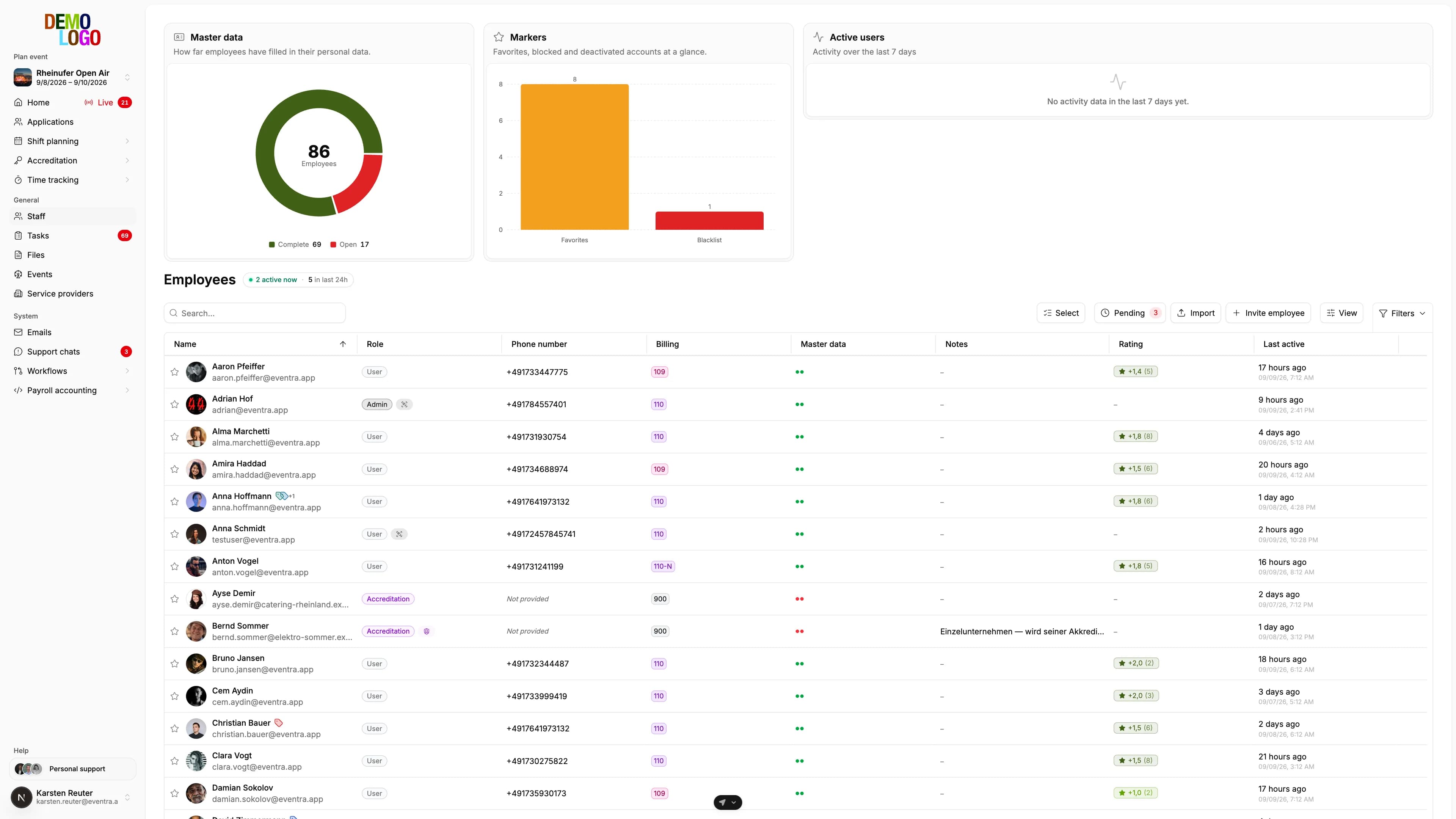
The same person, three spellings
Unambiguous matches the software settles on its own. For the rest — typos, double-barrelled names, swapped fields — the model clusters across the whole list and flags only what belongs together.
- Runs across crew lists and guest lists
- Results are cached, so the same list does not cost twice
- Merging stays your decision
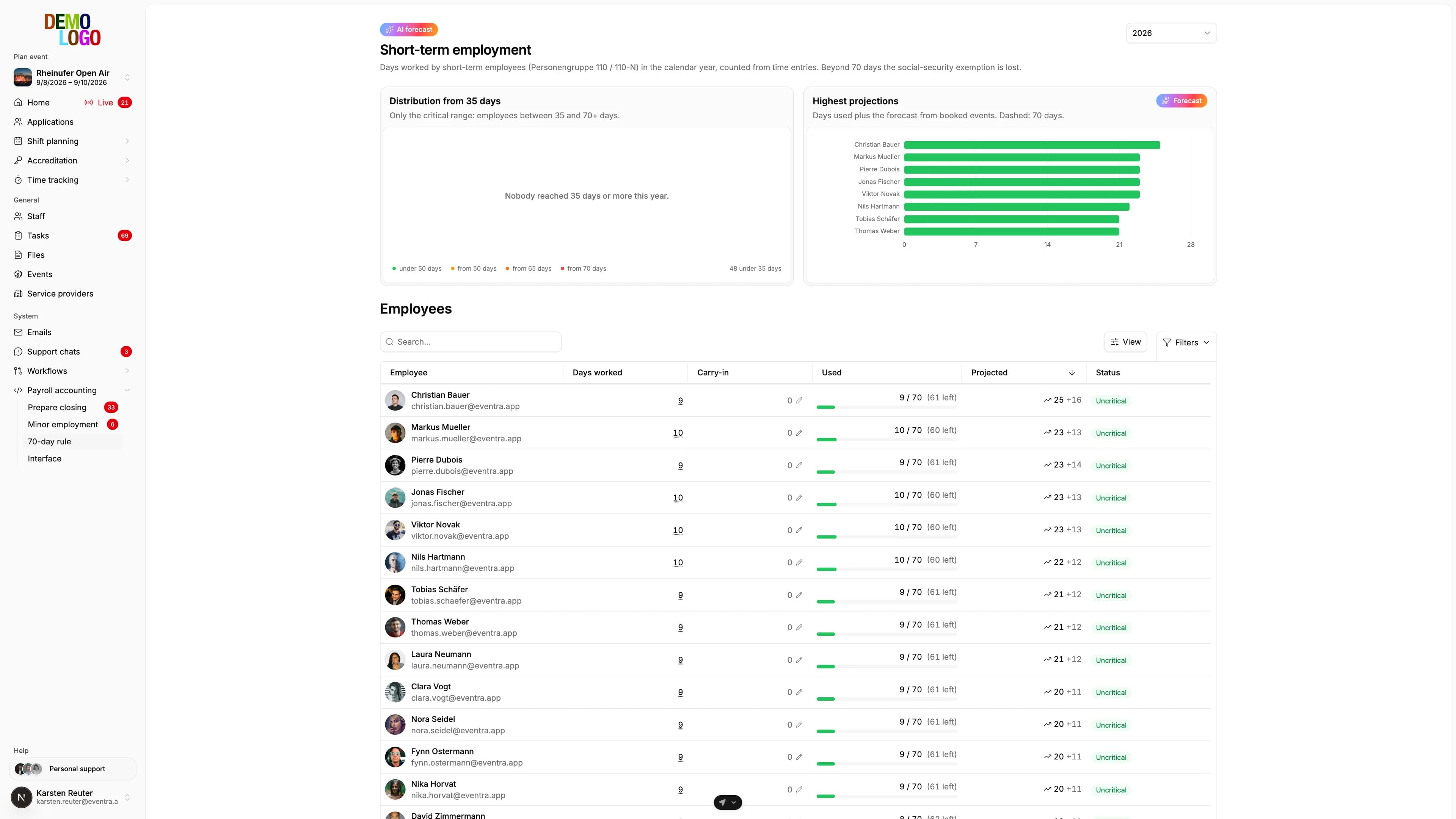
A review of the month-end close
At the press of a button: seventeen markers and two drift values are computed mechanically — night work, missing break, overlap, start and duration drift against the plan. The model reads which combinations actually matter for payroll.
- Plan against actual: planned window, start deviation, duration deviation
- A pattern beats a one-off
- Three solid findings rather than twelve weak ones
- Every finding cites its evidence
The month-end review runs without real names
The first question in a sales call is rarely what the AI can do — it is what the AI gets to see. For the month-end review the answer is: as little as possible. For plan suggestions you deliberately see names, because otherwise you could not judge the suggestion.
- Staff reach the model as a reference — M1, M2, M3 — never by name; an invented reference is discarded rather than shown
- Models run in EU data centres, with no detour through other regions
- No sharing with model providers for training
- The month-end review runs against a budget reserved before the call

The AI decides nothing on its own
It suggests, ranks and flags. Booking, merging and approving are done by a person — deliberately, not by clicking something away.
- Suggestions sit in the plan; only you book them
- Deterministic checks run first; the model does not repeat them
- A single marker is not yet a finding
- No suggestion enters the plan without approval
AI at every step, from application to payroll
Nine places in the course of an event where the model reads along, suggests or checks. Each is described on its own page, and at each one you decide.
The model proposes, the decision stays yours
How a staffing proposal comes about: rules filter the pool, the model explains one proposal with a confidence score, and nothing is booked until you accept it.
Recruiting
Complete data, duplicates and team preferences in the applicant list
The model checks every application against your form, requests missing answers and documents from the person, flags the same person behind three spellings and recognises team preferences in free text. The decision is one click by HR.
Go to the stepContracts and documents
Proofs read on upload
On upload the model proposes the document type, the expiry date and the match with the name on the profile. HR confirms on the document or requests it again.
Go to the stepAccreditation
One person, one pass, across all contractors
Before the ZVÜ export the model reads across the lists of every company on the event and flags who is entered twice. You decide whether it is the same person.
Go to the stepGuest list
One guest, one ticket, across every host
On entry EVENTRA checks email and name against the event's entire list; beyond that the model reads spellings and abbreviations and flags the pair. You decide whether it is one person before the second ticket goes out.
Go to the stepShift planning
Staffing suggestion in the plan
For every open shift the model suggests a person from the pre-checked candidates, with a reason and a confidence level. Nothing is booked until you take the card over.
Go to the stepCrew app
The shift offer goes to the person who fits
The planner's staffing suggestion becomes a push offer: qualified, available, rest period and 70-day limit respected. The person accepts or declines in the app, and the answer is in the plan without a call back.
Go to the stepTime tracking
Deviations flagged before approval
Per time entry the markers are computed — missing break, overlap, start and duration against the plan —, and the model names the entries that need a second look. Approval is yours.
Go to the stepEvent day
Signals from plan and check-ins
No model, just rules: who has no check-in at shift start, whose check-out is overdue and who arrived late shows red in the area, with the phone number in the list.
Go to the stepPayroll
Month-end review
Seventeen markers and two drift values are computed mechanically, the model reads the payroll-relevant combinations out of them and names three solid findings rather than twelve weak ones. Every finding cites its evidence.
Go to the step
How the month-end review works
Four steps, three of which need no model at all.
Condense
Times, shifts and tasks for the period are summarised into one overview — pseudonymised.
Compute
The deterministic markers are calculated. Whatever can be settled without a model is settled here.
Ask
Only the condensed remainder goes to the model — pseudonymised, and against a budget reserved beforehand.
Decide
Findings and suggestions appear in the product, ordered by urgency. The rest is yours.

What that means in daily use
The AI is not a separate product but part of the steps you already work through.
- Suggestions in the shift grid
- Planning
- Duplicates in the applicant list
- Recruiting
- Findings in the month-end close
- Payroll
Common questions about the AI
What runs where, on which data, and who decides.
Which model does EVENTRA use?
Is my data used for training?
Does the AI see my staff members' names?
Does the AI decide on staffing or pay?
What does the AI cost?
What happens if the model finds nothing useful?
Read next
Practitioner answers to the questions that come up next.
Fill plan: one click, and the AI staffs the whole area
Since 15 September EVENTRA fills an area with one click: the AI gathers the free applicants, checks qualification, availability, rest periods and limits,…
ReadAI shift planning for events: what the model proposes, what rules check and what a person decides
What AI shift planning really delivers at festivals and events: rules filter qualification, availability, rest periods, Minijob and the 70-day limit, the…
ReadShort-term employment 2026 and 2027: the 70-day rule for event staff
When festival casual staff stay exempt from social insurance, how the 70 days and 3 months are counted, what applies to two jobs at once, whether the…
Read
See the suggestions for yourself
In the demo we show the AI against your own kind of event — planning, duplicates and the month-end review.
Your own test environment in minutes. No credit card, ends automatically.
See pricing